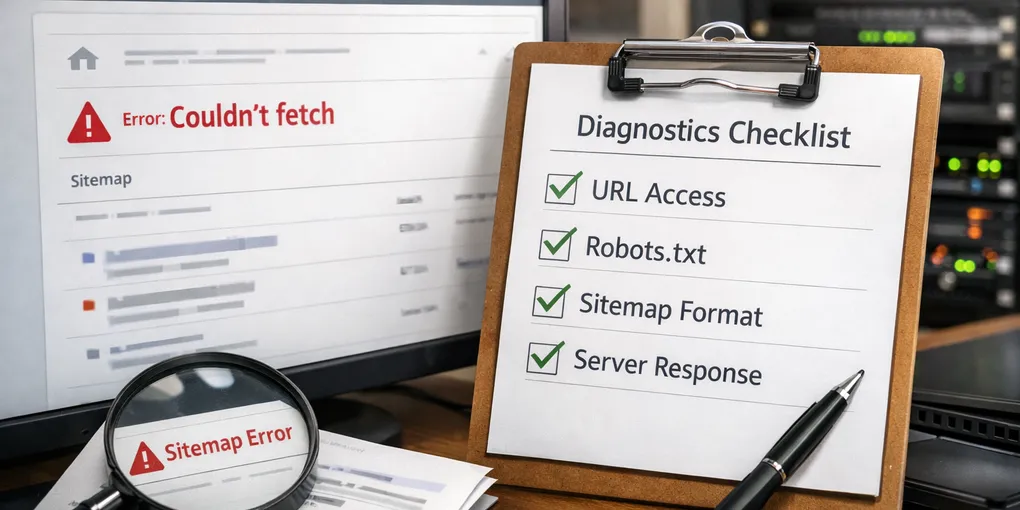
How to fix “Sitemap couldn't fetch” in the right order
“Sitemap couldn't fetch” sounds like a sitemap problem, but in practice it is often a response problem. The sitemap may be valid while the live URL, robots rules, or deployment host is failing around it.
Use the search-driven web operations unit page as the index for follow-up posts on indexing, metadata, CTR, and Search Console checks. If you need the broader operating baseline first, start with the rules you should fix first.
1. Open the live sitemap first
Do not start from assumptions. Open the exact live sitemap URL and confirm that you get real XML with a valid response code.
2. Check the host response and redirect path
If the sitemap URL redirects, returns HTML, or lands on the wrong hostname, Search Console will treat it as a fetch failure even if the content looks fine locally.
A healthy baseline is simple: the live sitemap should return `200 OK`, real XML, and the final hostname you actually use in production.
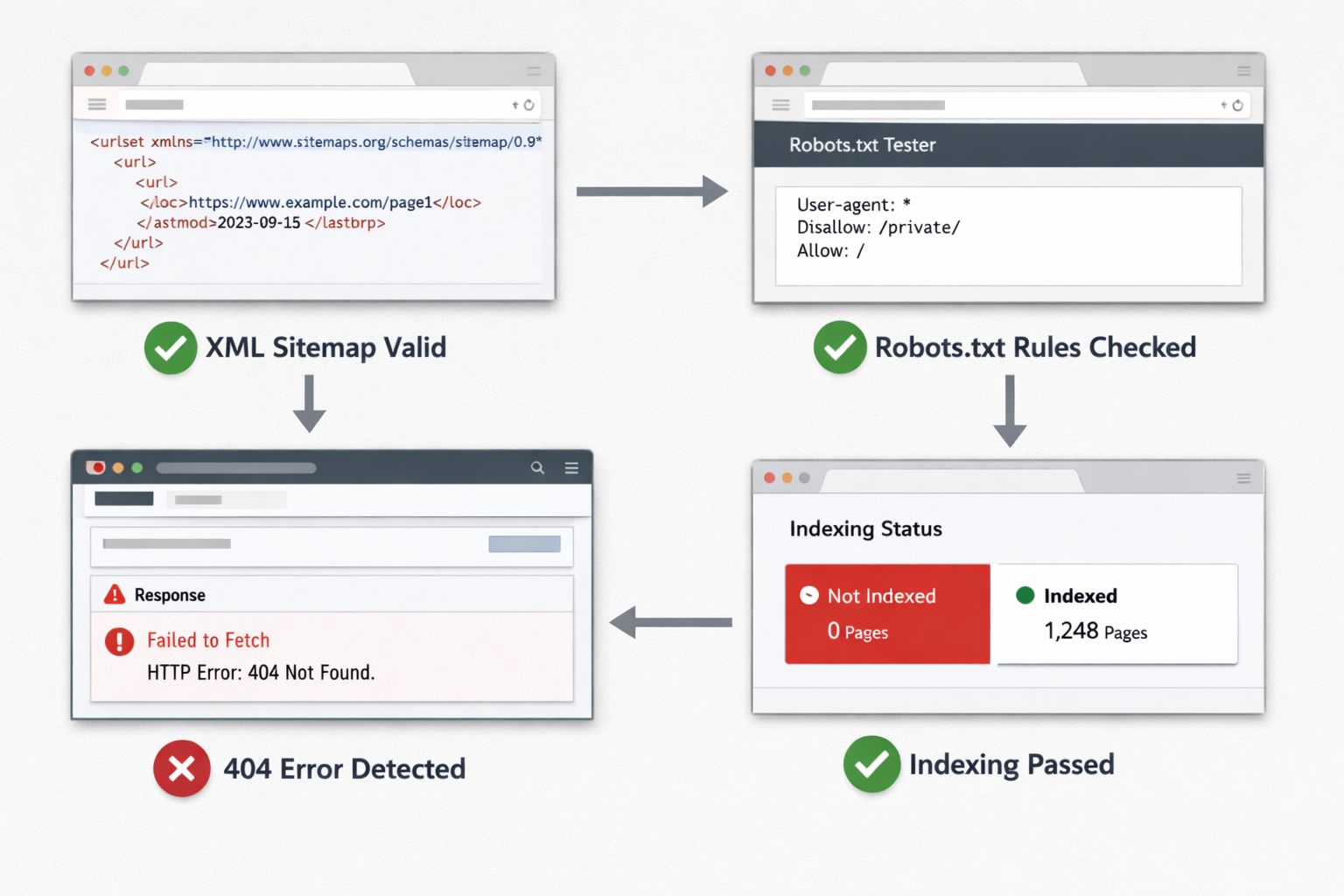
- `200 OK` and real XML: healthy baseline
- `301` or `302`: not always fatal, but you need to verify the final location
- `403` or `404`: usually a host, access, or routing problem, not a sitemap syntax problem
3. Verify robots.txt next
Robots is part of sitemap health because it can reference the sitemap and influence crawler behavior. If robots is missing or wrong, your diagnosis is incomplete.
4. Separate fetch failure from indexing delay
A fetch problem means the crawler cannot retrieve the sitemap correctly. That is different from a valid sitemap that has not influenced indexing yet. Those are separate operational states.
If the sitemap opens with `200 OK` and valid XML, but pages still do not appear in search, you are no longer in fetch diagnosis. That is where indexing, canonical, and content quality checks begin.
What to do first
Lock a small checklist: live XML, response code, final URL, robots.txt, and host consistency. If those five pass, you can stop blaming the sitemap file and move to indexing questions.