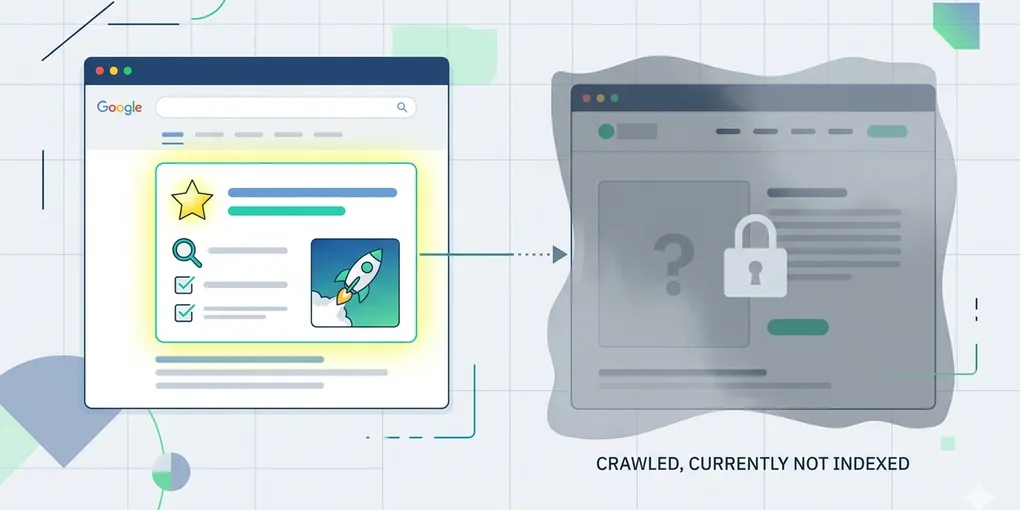
How to read `Crawled - currently not indexed` operationally
`Crawled - currently not indexed` is one of the most frustrating Search Console states because it feels like progress and failure at the same time. Google reached the page, but the page still did not make it into the index.
That usually triggers the wrong reaction. Teams rush to treat it like a crawl error, a sitemap error, or a robots mistake. Sometimes it is none of those.
This post is about reading the state operationally. The goal is not to panic over the label, but to check whether the page is genuinely index-worthy, indexable, and supported by the rest of the site.
1. The common mistake is treating the state like a fetch failure
The page was crawled. That matters. If Google reached the URL, the first question is no longer “can it be fetched?” but “why is it still being held back from indexing?”
That changes the investigation immediately. You stop looking at transport first and start looking at signals, support, and page value.
2. The best reading starts by separating crawl success from index readiness
This is the core shift. Crawl success only tells you the page was reachable enough to inspect. It does not tell you the page earned index inclusion yet.
A page can be technically reachable and still look weak from an indexing perspective. It may have thin value, weak internal link support, confusing canonical signals, or indexability rules that do not fully align with what the site wants.
That is why this status should be read like an operational checkpoint, not like a single bug. The page reached Google’s inspection layer. Now the question is whether the rest of the site is actually supporting that page into the index.
Many teams miss this and keep looking for one obvious technical defect. But the more common reality is a soft failure: the page is crawlable, yet not strong, clear, or well-supported enough to win indexing priority.
3. Check these four things first
- internal links: does the site actually point users and crawlers toward this page?
- canonical signals: is there any mixed signal about which version should be indexed?
- indexability controls: is noindex, robots, or another rule quietly working against the page?
- content strength: does the page feel meaningfully different and useful compared with nearby pages?
4. One example explains why the label can be misleading
Imagine a page that is included in the sitemap and can be opened normally, but it has almost no internal links and looks very similar to another page already on the site. Search Console may still report `Crawled - currently not indexed` even though the fetch worked perfectly.
In that case the real issue is not access. It is weak support and weak differentiation.
5. The label alone should not decide the action
Some pages need support, some need revision, and some simply need more time. The point of the inspection is to decide which of those applies.
If the page is new and the signals are clean, waiting may be reasonable. If the page is old, weakly linked, or sending mixed canonical signals, action is more justified.
What to do first
Take one affected page and inspect it in this order: internal links, canonical, indexability controls, then content strength. If all four are clean, treat the page as a timing issue before treating it as a technical failure.